How to Recognize Unusual Sign-In Activity on Online Accounts
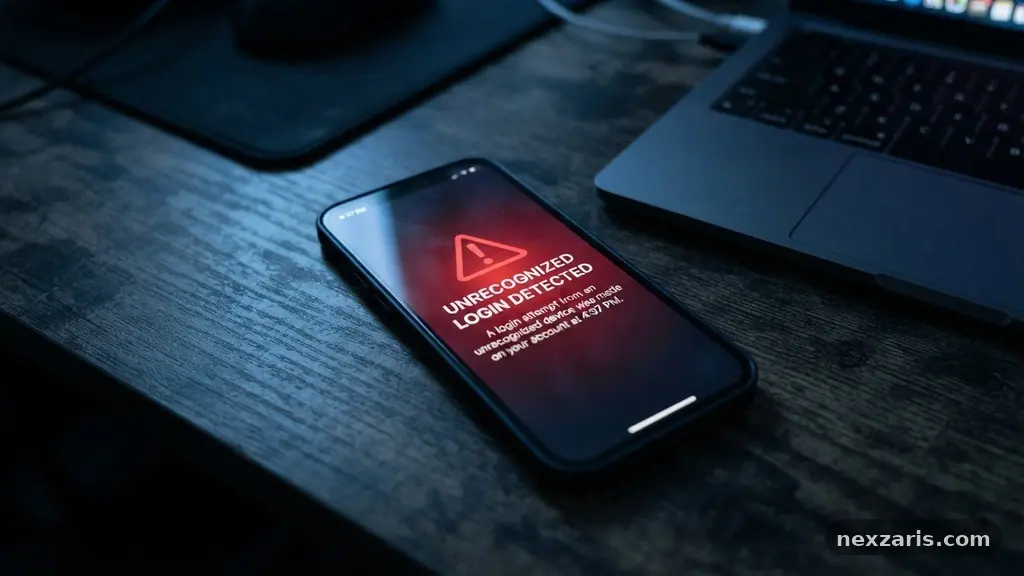
Learning the process of recognizing Unusual Sign-In Activity on Online Accounts is a vital skill for anyone navigating the digital landscape today. Most major service providers now offer automated notifications that alert you the moment a login occurs from an unrecognized device or location.
By paying attention to these signals, you can proactively defend your personal data from malicious actors. This article breaks down exactly what to look for, how to interpret security alerts, and the concrete steps you should take to secure your digital footprint against unauthorized access.
Immediate Indicators of Unauthorized Access
The most reliable way to spot a problem is to watch for specific notifications sent by your service providers. When you see an email or push notification regarding a login from a new device, never dismiss it as a system glitch.
These alerts often contain specific details such as the date, time, and the general geographic area of the request. If you were not actively logging into that service at that exact moment, you must treat the notification as a legitimate warning.
Many platforms provide the IP address associated with the login attempt. An IP address acts as a digital fingerprint for a network connection, and while it doesn’t give a house address, it provides a city or region. If your provider shows a login from a country or state you have never visited, you are likely looking at a suspicious login attempt.
You should also check the browser or device type listed in the alert. Seeing a “Windows PC” login when you only use an iPhone is a major red flag that indicates someone else has your credentials.
Understanding Geolocation and Network Data
Security systems rely heavily on geolocation to flag potential account takeover attempts. If you typically access your bank account from New York, a login from a remote continent just ten minutes later is logically impossible.
This is known as a “velocity check” in cybersecurity terms. Most modern systems are sophisticated enough to trigger an automatic block or require additional verification when this happens.
However, you should be aware that VPNs and proxy servers can sometimes mask your true location, leading to false positives. If you frequently use a VPN, your service provider might flag your own logins as unusual because your IP address appears to be in a different region.
Check your own habits before panicking. If you aren’t using a VPN, any deviation from your standard city or state should be investigated immediately.
The Role of Multi-Factor Authentication
The best defense against a successful breach is the implementation of multi-factor authentication, or MFA. When you enable this feature, a password alone is no longer enough to grant access to your account.
Even if a hacker successfully guesses your password through credential stuffing, they will still be blocked by the second layer of security. This often takes the form of a code sent to your mobile device or a prompt on an authenticator app.
If you suddenly receive a push notification for an MFA code that you did not request, someone is currently trying to sign in. Do not click “approve” under any circumstances.
In fact, receiving an unsolicited code is a clear sign that your password has already been compromised. You should immediately navigate to the official website of the service and change your password, rather than clicking any links inside an email or text message.
Common Tactics Used by Attackers
Attackers often use phishing to harvest credentials before attempting a login. They might send an email that appears to come from a trusted company, asking you to “verify your account” by clicking a link.
Once you land on their fake site, they capture your username and password in real time. Recognizing unusual sign-in activity on online accounts often starts with identifying these deceptive communication attempts.
Credential stuffing is another common method where hackers use lists of stolen usernames and passwords from old breaches. Because many people reuse the same password across multiple sites, one single leak can compromise your entire digital life.
To prevent this, you should use a dedicated password manager to generate unique, complex passwords for every single account you own. This ensures that a breach at one site doesn’t lead to a cascade of unauthorized access across your other profiles.
Analyzing Security Logs and History
Most reputable platforms offer a section in their settings menu labeled “Security” or “Recent Activity.” This page acts as a ledger of every successful and failed login attempt associated with your profile.
You should make it a habit to check this log periodically, even if you haven’t received an explicit alert. You might find evidence of “session hijacking,” where an attacker maintains a persistent connection to your account without needing to re-enter a password.
| Indicator Type | What It Means | Action Required |
|---|---|---|
| New Device Login | Access from a browser/phone you don’t use | Log out all sessions immediately |
| Geographic Anomaly | Login from a city/country far away | Change password and check recovery info |
| Unsolicited MFA Code | Someone has your password | Update credentials and enable biometrics |
| Profile Changes | Recovery email/phone number updated | Contact support to lock the account |
If you notice an entry in your log that you don’t recognize, use the “Sign out of all other devices” button found in most account settings. This will terminate every active session currently connected to your account.
Once you have cleared the sessions, change your password immediately to prevent the attacker from simply logging back in. You can review more detailed advice on protecting your digital identity through the Federal Trade Commission’s guide on securing accounts.
Verifying Your Recovery Information
Attackers often try to gain permanent access by changing your recovery email address or phone number. If they successfully update this information, they can reset your password whenever they want, effectively locking you out.
This is a common tactic in sophisticated account takeovers. Always ensure that your recovery email address is active and that you still have access to the phone number on file.
If you see an alert stating that your security settings have been modified, treat it as a critical emergency. Check the recovery email address currently listed in your account settings.
If it has been changed to an address you don’t recognize, the attacker is trying to ensure they can regain control even if you change your password. You must contact the service provider’s support team immediately to verify your identity and reclaim the account.
The Importance of Biometric Verification
As we move away from traditional passwords, biometric verification is becoming a standard security feature. Using your fingerprint or facial recognition provides a physical layer of security that is much harder for a remote attacker to bypass.
Many mobile apps now allow you to require a biometric scan every time you open the app or attempt a sensitive action. This significantly reduces the risk of someone using your unlocked phone to gain access to your private data.
When you set up biometrics, ensure that the device itself is secured with a strong passcode or pattern. If an attacker manages to get your phone, they might try to bypass your biometric security if the device’s main lock is weak.
By layering these defenses, you make it exponentially harder for unauthorized users to gain a foothold. The goal is to create enough friction that an attacker gives up and moves on to an easier target.
Frequently Asked Questions
What should I do if I get a login alert while traveling?
If you are traveling, it is normal to see logins from different cities or states. However, if the alert shows a location you have never been to, you must take it seriously. Check if the device listed matches the one you are currently using. If it does not, assume your account is compromised and change your password immediately.
Can a security alert be a phishing attempt?
Yes, scammers often send fake security alerts to trick you into clicking a malicious link. Always check the sender’s email address and hover over links to see their true destination before clicking. It is safer to open your browser, type the website address manually, and check your security status directly on the official site.
How often should I review my account activity logs?
You should check your logs at least once every month, or whenever you receive an email notification from a service. If you use high-risk accounts like banking or email, consider checking them every two weeks. Staying proactive is the most effective way to catch unauthorized access before it results in a financial or data loss.
What is the difference between a password and a passkey?
A password is a string of characters that can be stolen in a data breach, while a passkey is a cryptographic key stored on your device. Passkeys are much more secure because they cannot be phished or stolen from a server. Whenever a service offers the option to switch to a passkey, you should take it.
Is it safe to use the same password for multiple accounts?
No, using the same password across multiple sites is the most common cause of successful account takeovers. If one site is breached, your password is leaked and hackers will immediately try it on other popular services. Using a password manager to generate unique, long, and complex passwords for every single account is the industry standard for security.
Closing Thoughts on Account Security
Staying vigilant while recognizing Unusual Sign-In Activity on Online Accounts is a fundamental part of modern digital hygiene. By monitoring your alerts, securing your recovery methods, and using tools like password managers and multi-factor authentication, you create a defensive wall that is difficult to penetrate.
Remember that these security systems are designed to help you, not to be an annoyance. When you receive a notification, take a moment to verify the details before moving forward.
If you ever feel your security has been compromised, don’t wait to act. Change your credentials, check your recovery settings, and inform the service provider if necessary.
Taking control of your digital security today ensures that your personal information remains private and protected. Start by reviewing your account security settings on your most important platforms this week, and you will be well on your way to a safer online experience.